Stops Calculator
Adjust a darkroom exposure time by a number of stops
Overview
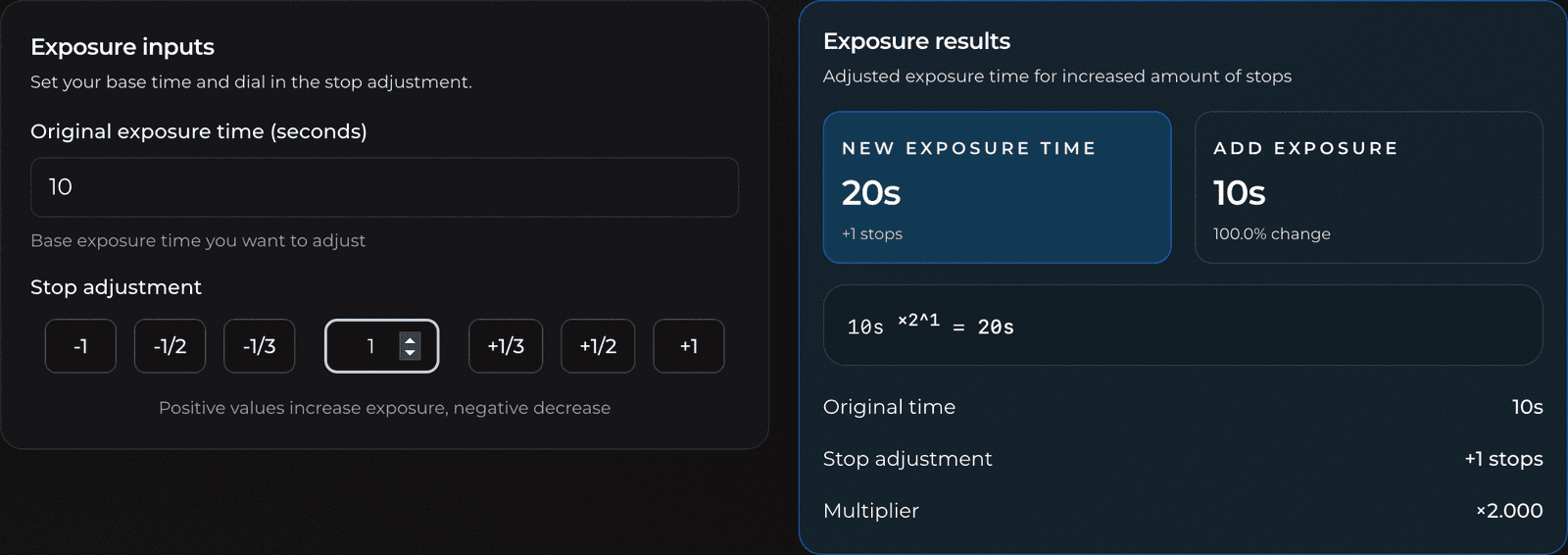
The stops calculator converts a stop adjustment into an actual exposure time. A stop is the darkroom's universal unit for light (every stop doubles or halves it), but timers are set in seconds, not stops. This tool bridges the two: tell it your base time and how many stops you want to add or remove, and it returns the new time in seconds, how much exposure you're adding or removing, and the percentage change.
It's the calculator you reach for when you've made a test strip at one aperture and want to print at another, or when a print is a touch dark and you know you want "half a stop less" but not what that means on the clock.
Features
- Live conversion from a base time plus a stop change to a new exposure time
- One-tap preset buttons for the common adjustments: −1, −1/2, −1/3, +1/3, +1/2, +1
- A custom stop field for any value, including fractions
- Results show the new time, the amount of exposure to add or remove, and the percentage change
- The exact formula is shown with your numbers plugged in, plus the raw multiplier
- Times over a minute are formatted as minutes and seconds (for example
2m 5s)
Terminology
- Stop: A doubling (+1) or halving (−1) of light. Stops are logarithmic, which is why they're handy: a fixed stop change feels like the same step regardless of the starting brightness.
- Base / original exposure time: The exposure in seconds you're adjusting from, usually the time that produced your test strip or last print.
- Aperture (f-stop): The lens opening. Closing down one full f-stop halves the light, so it costs you one stop of exposure that this calculator can give back.
- Fractional stop: A partial adjustment such as +1/3 or +1/2 stop, used for fine density tweaks that a full stop would overshoot.
Basic Usage
- Enter your base exposure time in seconds.
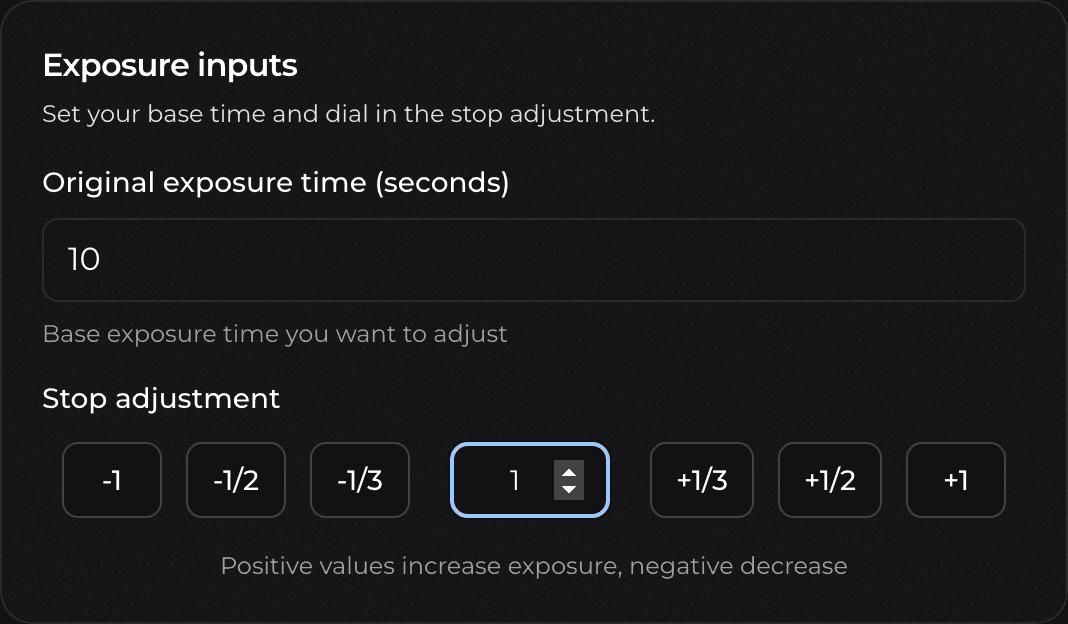
- Tap a preset button or type a stop value into the custom field. Positive values increase exposure; negative values decrease it.
- Read the new exposure time in the results card.
- Set that time on your timer for the new print.
Important Notes
The math is pure: new time = original time × 2^stops. It tells you exactly how to keep the same light total on the paper after a stop change, for instance after closing the lens down one stop. It does not account for paper reciprocity failure, which creeps in at long exposures (roughly past 30 to 60 seconds, paper grows less efficient and may need a touch more than the formula says).
A quick test strip confirms the print. The calculator removes the guesswork from the arithmetic; your eyes confirm the density.
Advanced Usage
Preset Buttons
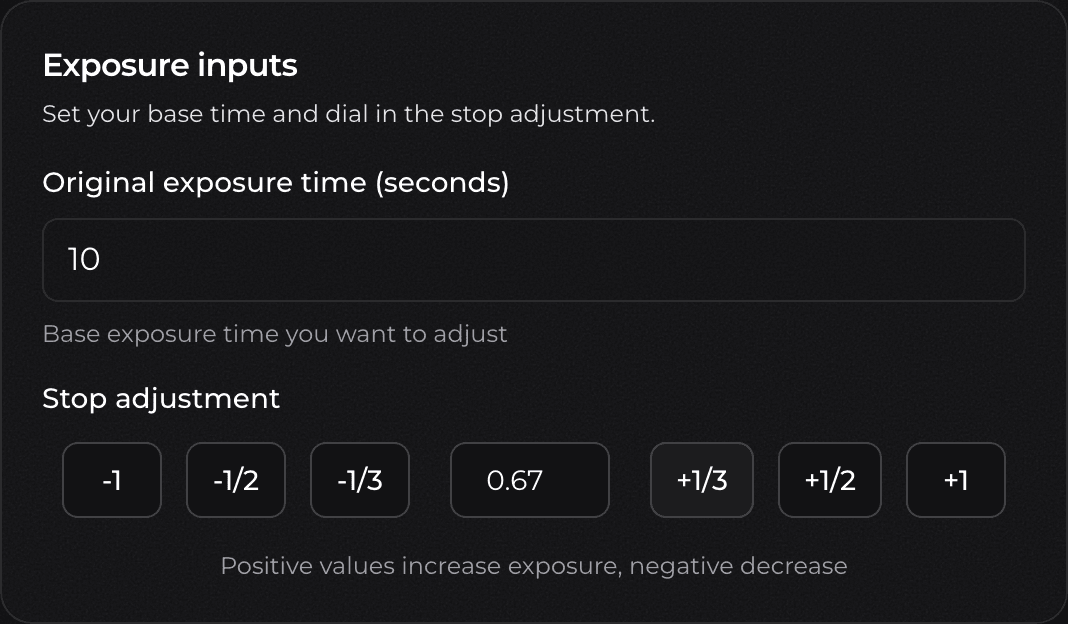
The six preset buttons cover the adjustments you reach for most: full stops (−1, +1), half stops (−1/2, +1/2), and third stops (−1/3, +1/3). Tapping a preset adds that amount to the current stop value rather than replacing it, so you can step a print in by repeated taps. Each press snaps the running total to the nearest third of a stop, keeping the value tidy.
Custom Stop Values
For anything the presets don't cover, type directly into the stop field. Below, two taps of the +1/3 preset have accumulated to 0.67 stops:
Reading the Result
Adding a full stop to a 10-second base doubles it to 20 seconds. The results card shows the new time, that you're adding 10 seconds (a 100% change), the worked formula 10s ×2^1 = 20s, and the raw ×2.000 multiplier:
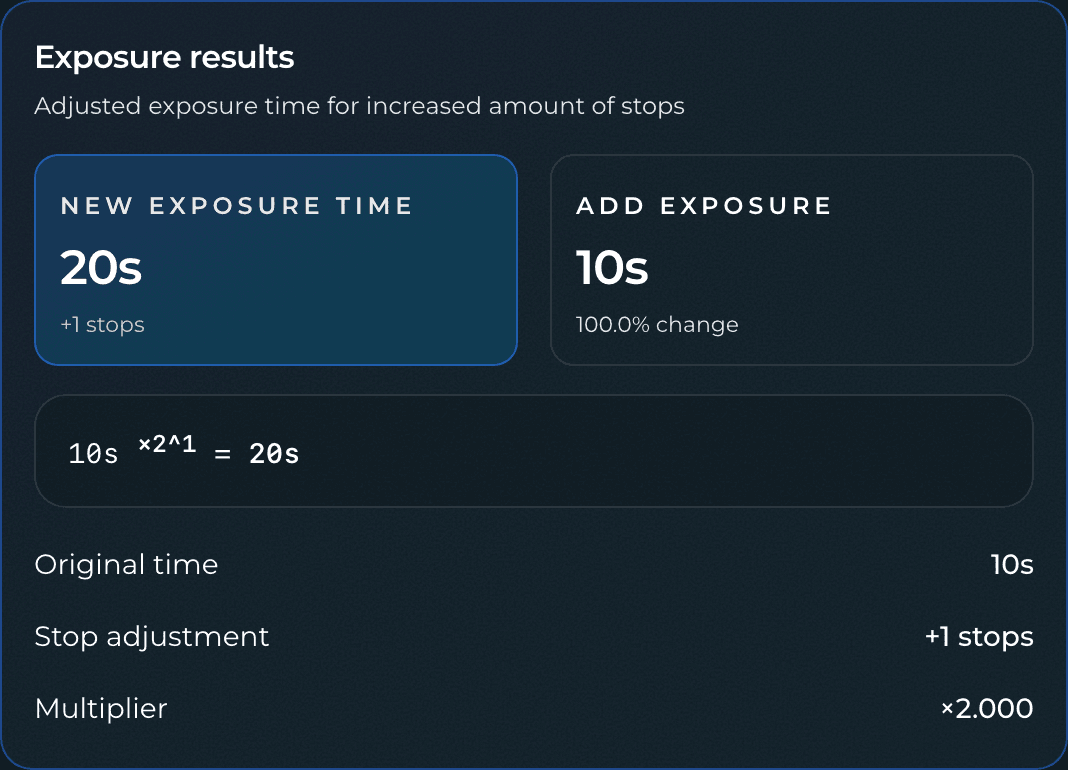
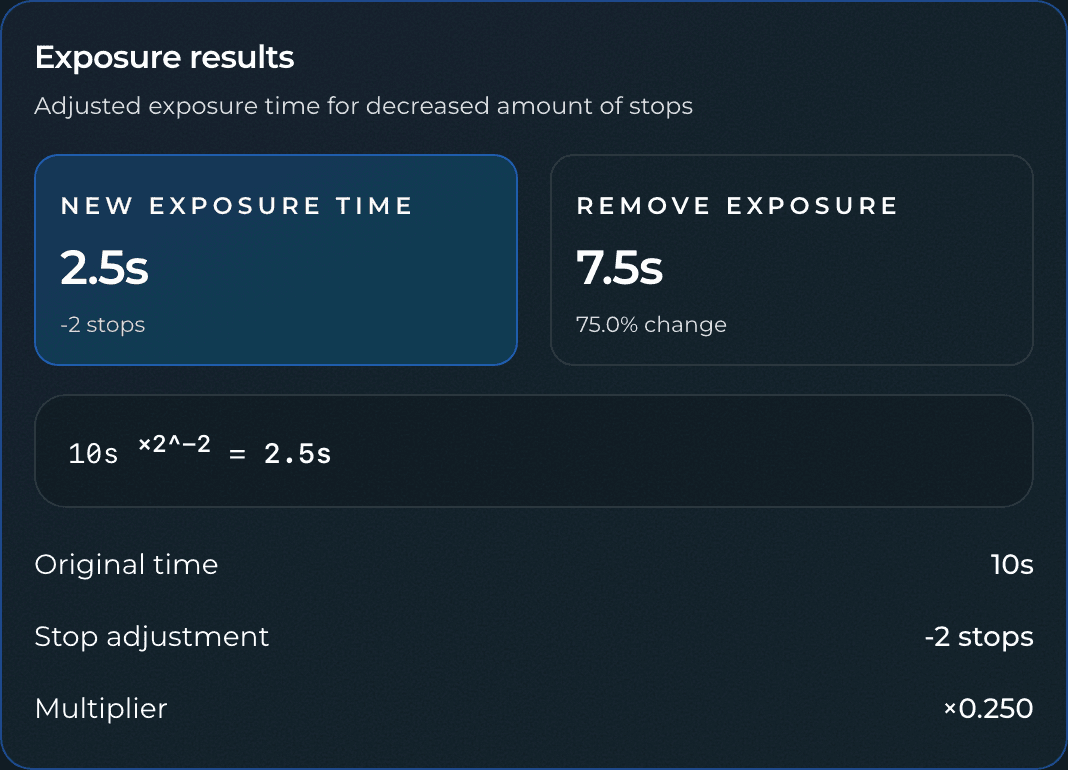
Going the other way, removing two stops from the same 10-second base cuts it to a quarter, 2.5 seconds, removing 7.5 seconds (a 75% change), at a ×0.250 multiplier:
This is exactly the compensation you need when switching apertures between a test strip and a final print: meter the strip at one f-stop, then feed the stop difference here to get the matching time at the aperture you'll actually print at.