Exposure Calculator
Balance aperture, shutter speed, and ISO, find equivalent exposures, and compare settings across lighting conditions
Overview
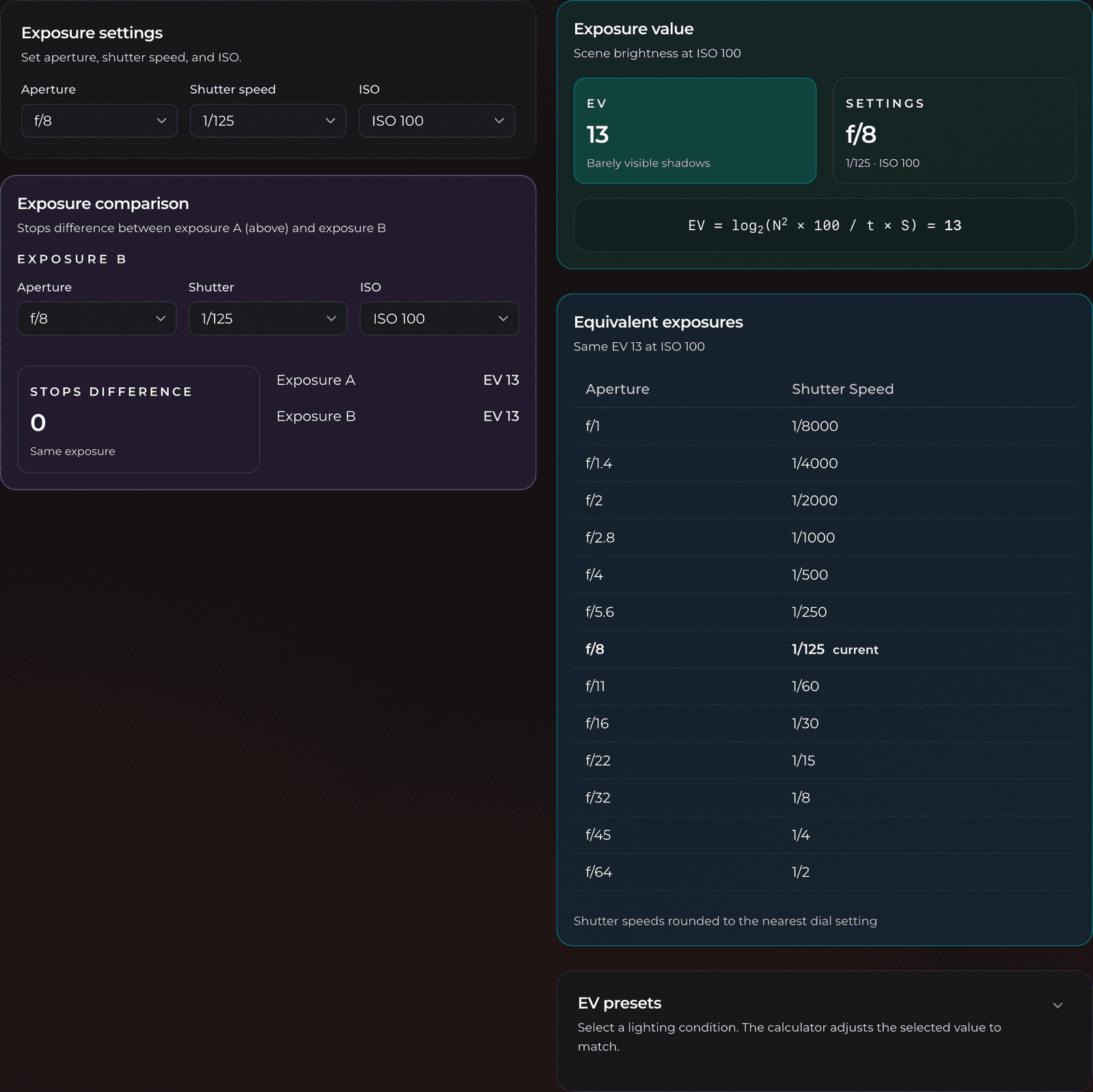
The exposure calculator helps you balance the three sides of the exposure triangle (aperture, shutter speed, and ISO) so you can get correct exposure on film. Pick any combination and it shows the resulting Exposure Value (EV), lists every equivalent setting that lets in the same amount of light, and lets you compare two exposures to see the difference in stops.
It is built for the situations where your camera's meter isn't enough: working with a handheld meter, metering by the Sunny 16 rule, or planning a shot before you raise the camera.
Features
- Live Exposure Value (EV) readout for any aperture, shutter speed, and ISO combination
- Equivalent exposures table: every aperture/shutter pairing that produces the same EV
- EV presets for common lighting conditions, from snow glare to a moonlit night sky
- Exposure comparison that reports the stops difference between two settings
- Standard full-stop scales for aperture (f/1 to f/64), shutter speed (30" to 1/8000), and ISO (25 to 12800)
- Your settings are saved automatically between visits
Terminology
- Exposure (the triangle): Aperture, shutter speed, and ISO together determine how much light reaches the film. Change one and you must adjust another to keep the same exposure.
- Aperture (f-number): The size of the lens opening, written as f/8, f/11, etc.
- A smaller f-number is a larger opening that lets in more light. Each full stop (f/8 → f/5.6) doubles the light.
- Shutter speed: How long the shutter stays open, in seconds or fractions of a second.
- 1/60 lets in half as much light as 1/30. The
"symbol means whole seconds (so2"is a two-second exposure).
- 1/60 lets in half as much light as 1/30. The
- ISO: The film's sensitivity to light. Doubling ISO (100 → 200) is one stop more sensitive.
- Stop: The base unit of exposure. One stop is a doubling or halving of light, whether you change it with aperture, shutter speed, or ISO.
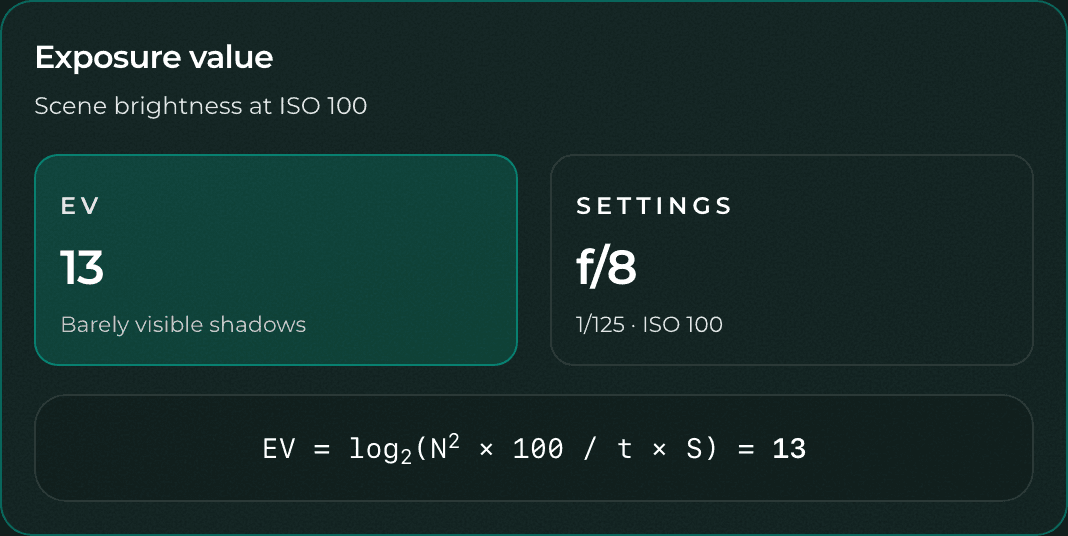
- Exposure Value (EV): A single number describing scene brightness, defined at ISO 100. Higher EV means a brighter scene: EV 15 is bright sun, EV 0 is deep twilight.
- Equivalent exposure: A different combination of settings that lets in the same total amount of light, producing the same EV.
Basic Usage
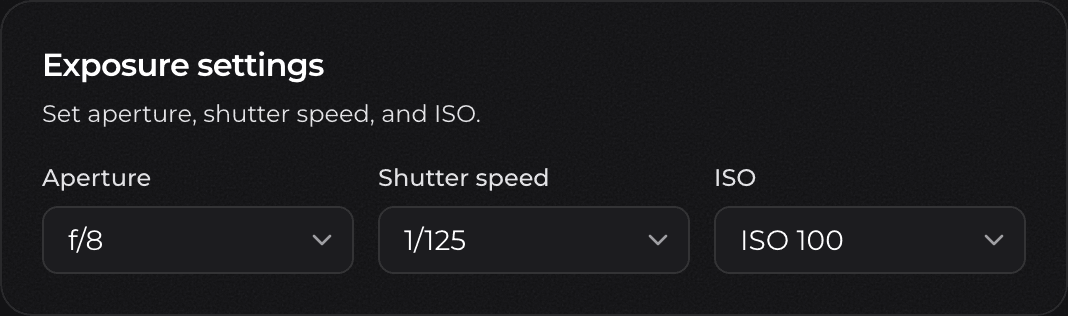
- Set your aperture, shutter speed, and ISO in the Exposure settings card.
- Read the resulting Exposure Value in the result card. This tells you how bright a scene these settings are correctly exposed for.
- Browse the equivalent exposures table to find alternative aperture and shutter combinations that give the same exposure. For example, you can trade a faster shutter for a wider aperture to freeze motion.
- Use the exposure comparison section to check how many stops apart two different settings are.
Important Notes
The EV shown is always referenced to ISO 100, which is the standard convention. The calculator accounts for your chosen ISO internally, so the EV stays meaningful as a description of scene brightness no matter which film speed you select.
Equivalent exposures keep the same amount of light hitting the film, but they are not creatively identical: a wide aperture throws the background out of focus, and a slow shutter blurs motion. The table is a starting point, so pick the pairing that matches the look you want.
Non-standard shutter speeds (values that fall between the marked clicks on a real shutter dial) are shown in muted text in the equivalents table, so you can tell at a glance which settings your camera can actually dial in.
Advanced Usage
Equivalent Exposures
Once you have valid settings, the calculator lists every aperture and shutter speed pairing that produces the same EV at your current ISO. Your current setting is highlighted and marked current. Any pairing that lands on a non-standard shutter speed is shown in muted text.
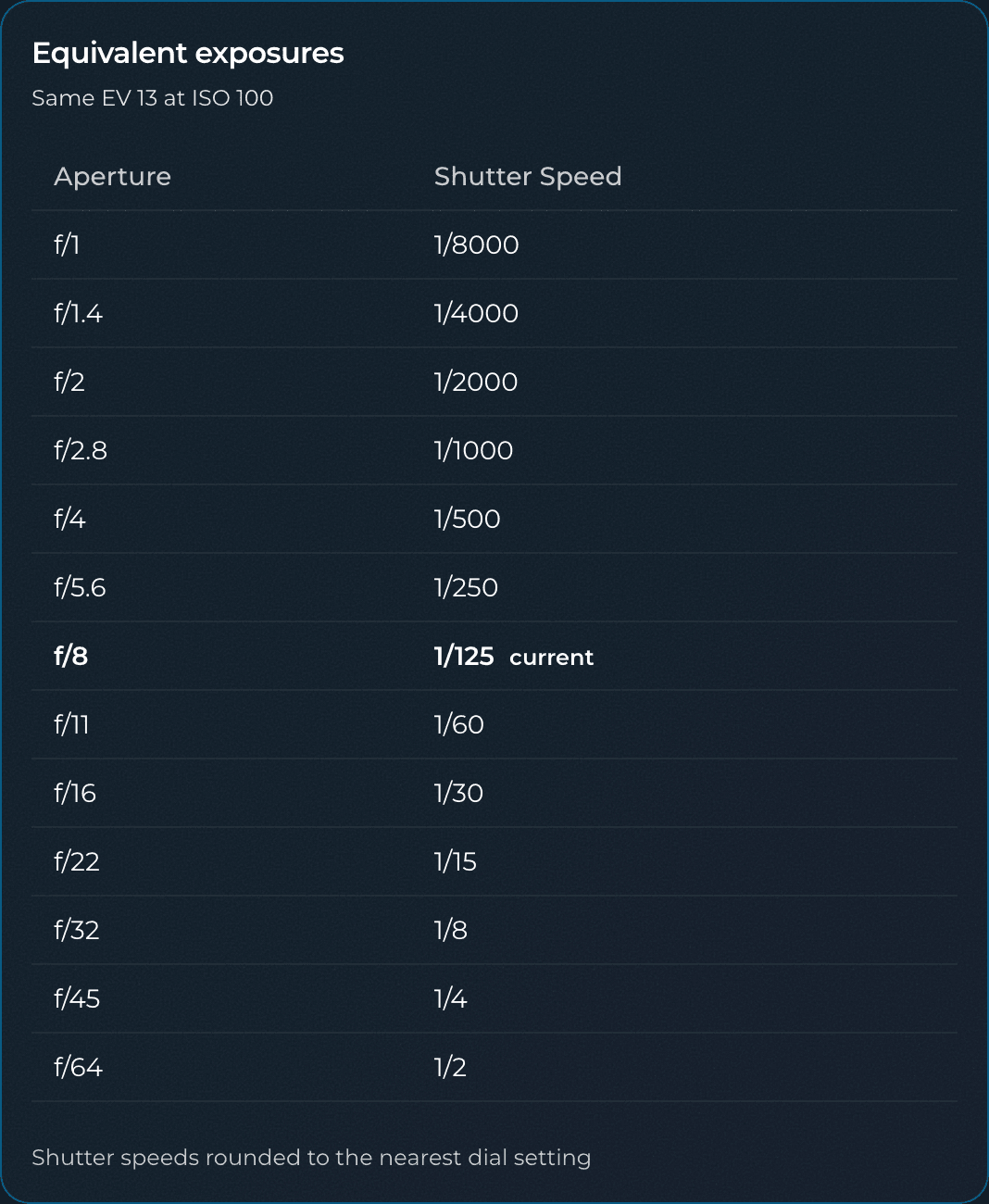
This is the fastest way to answer questions like "I want f/2.8 for shallow depth of field, so what shutter speed do I need?" Find your desired aperture in the left column and read the matching shutter speed across from it.
EV Presets
Don't have a meter handy? The EV presets card gives you a starting exposure for common lighting conditions, each tied to a standard EV. These run from Snow / Sand (EV 16) and Sunny 16 (EV 15) down through overcast and indoor light to Night Sky (EV -2).
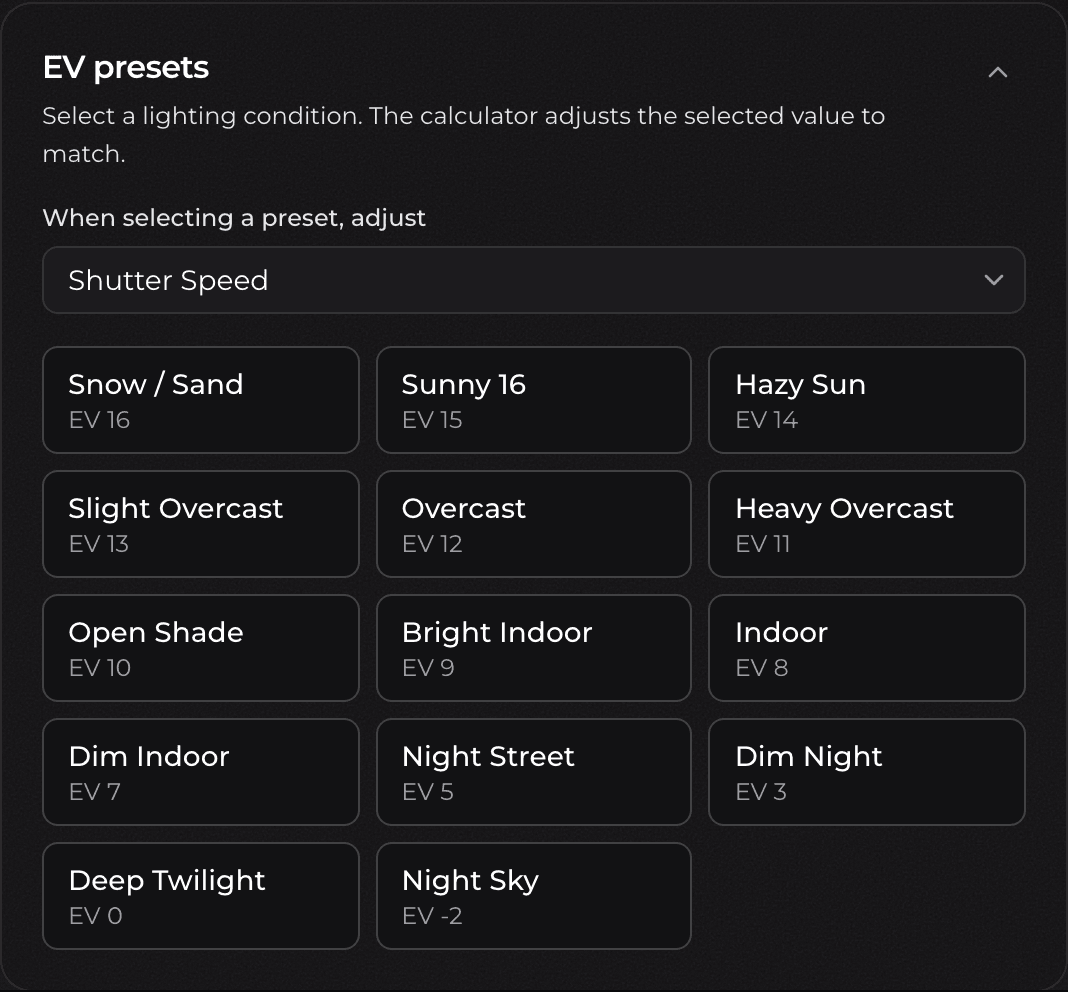
Before clicking a preset, use the When selecting a preset, adjust dropdown to choose which value you want the calculator to solve for: shutter speed, aperture, or ISO. When you pick a lighting condition, the calculator holds your other two settings fixed and snaps the chosen value to the nearest standard setting that matches that EV.
For example, with Shutter Speed selected as the value to adjust, clicking Sunny 16 keeps your aperture and ISO and sets the shutter speed to give a correct EV 15 exposure.
Exposure Comparison
The comparison card lets you set a second exposure (Exposure B) and instantly see how it relates to your main settings (Exposure A).
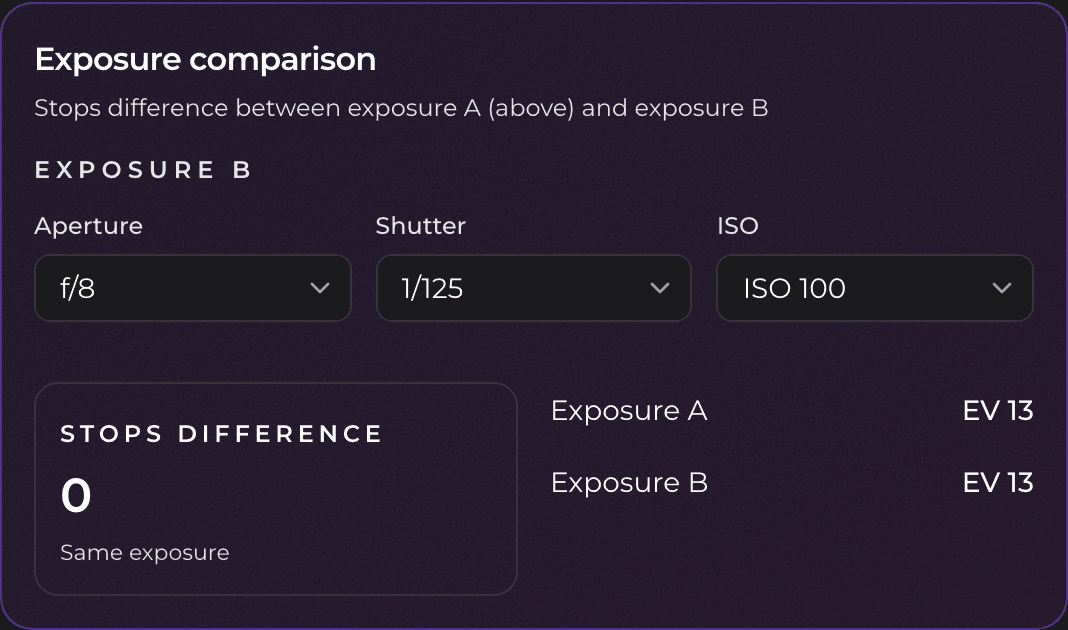
It reports the stops difference between the two, along with each exposure's EV, and tells you which one is darker. Use it to check how much you are pushing or pulling, to compare a metered reading against a chosen setting, or to work out exposure compensation in whole stops.