Reciprocity Calculator
Correct your metered exposure time for reciprocity failure on long exposures, by film stock or custom factor
Overview
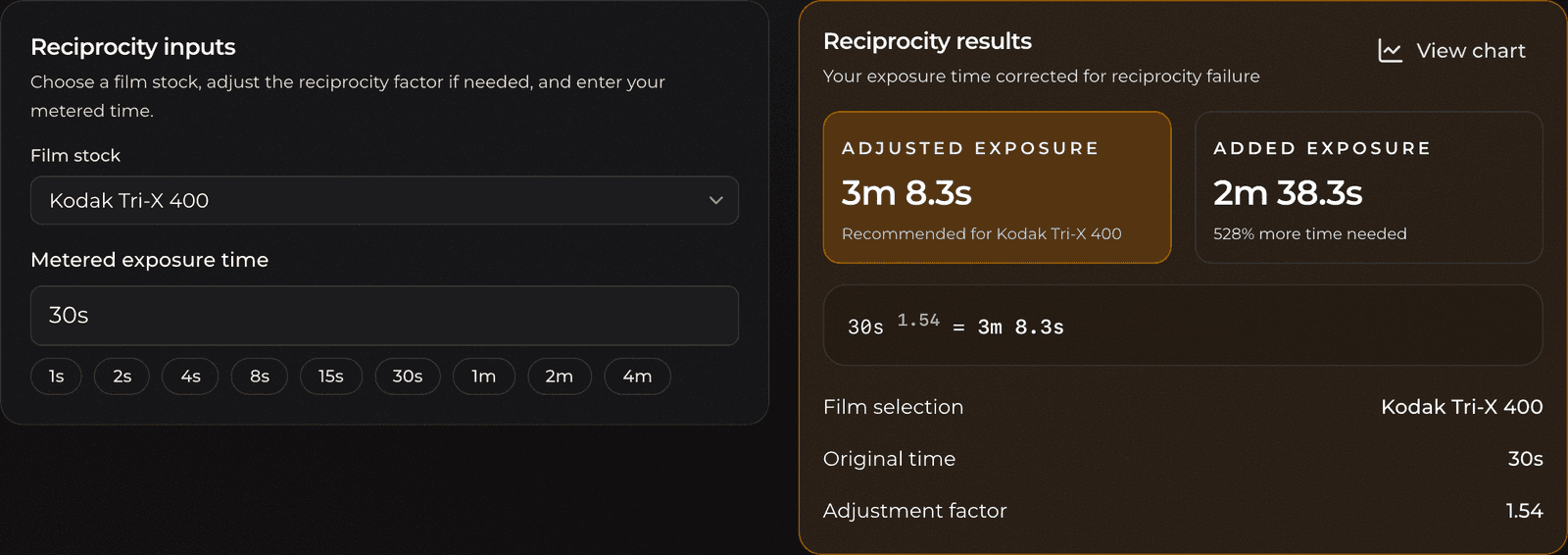
Film loses sensitivity during long exposures, because silver halide crystals respond less efficiently when photons arrive slowly. This is called reciprocity failure, and it means that for exposures longer than about a second, the time your meter tells you is no longer enough. The reciprocity calculator takes your metered time, applies the correction for your film, and gives you the actual time to set on the shutter.
Pick a film stock from the built-in profiles or enter your own factor, type the time your meter read, and read off the corrected exposure.
Features
- Built-in reciprocity profiles for 14 common black-and-white film stocks
- Custom reciprocity factor for films not in the list, or your own tested values
- Flexible time entry: type
30s,1m30s, or2hand it parses automatically - Quick exposure presets (1s through 4m) for common long-exposure starting points
- Clear results showing the corrected time and how much extra time you are adding
- An interactive reciprocity curve you can hover to read corrections at any metered time
- Your film choice and metered time are saved automatically between visits
Terminology
- Reciprocity (law of reciprocity): The principle that exposure depends only on the total light, so halving the light and doubling the time should give the same result. This holds for normal exposures.
- Reciprocity failure: The breakdown of that law at very long (or very short) exposures, where film needs disproportionately more time to record the same density.
- Metered time: The exposure time your light meter or camera tells you to use, before any correction.
- Corrected (adjusted) time: The longer time you actually set, after accounting for reciprocity failure.
- Reciprocity factor: The exponent that describes how strongly a given film suffers reciprocity failure. The calculator raises the metered time (in seconds) to this power. A factor of 1.0 means no failure; higher factors mean longer corrected times.
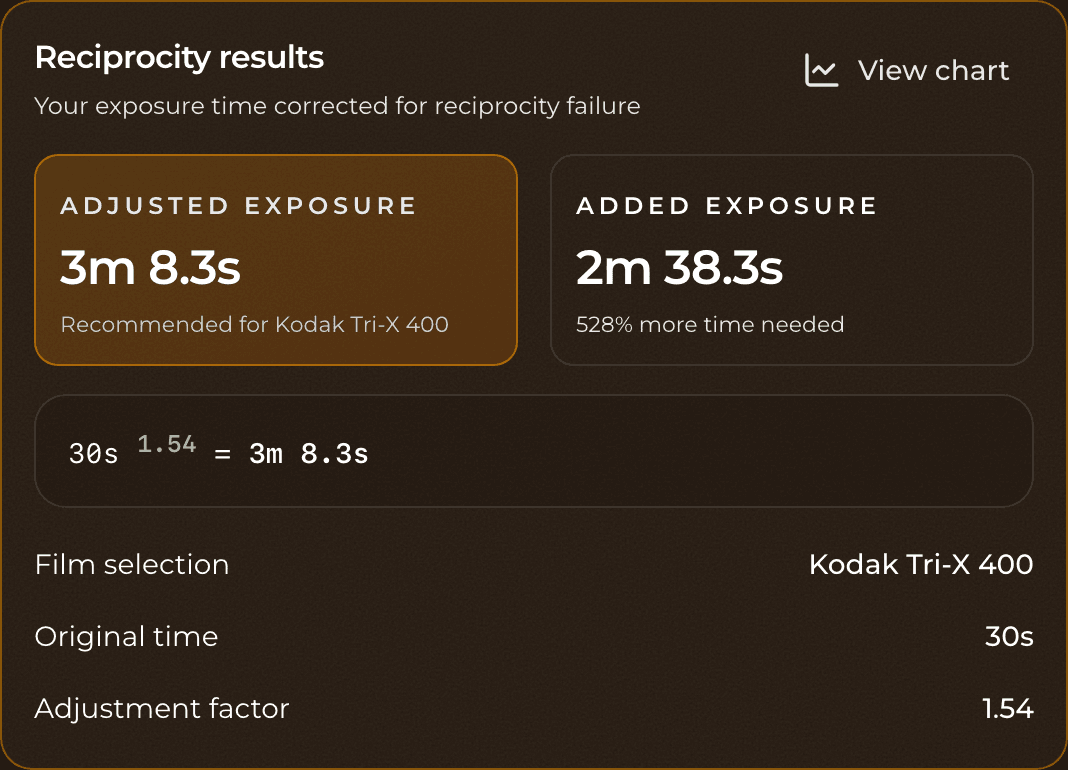
- For example, Kodak Tri-X 400 uses a factor of 1.54, while Kodak T-Max 100 (which holds up far better) uses 1.15.
Basic Usage
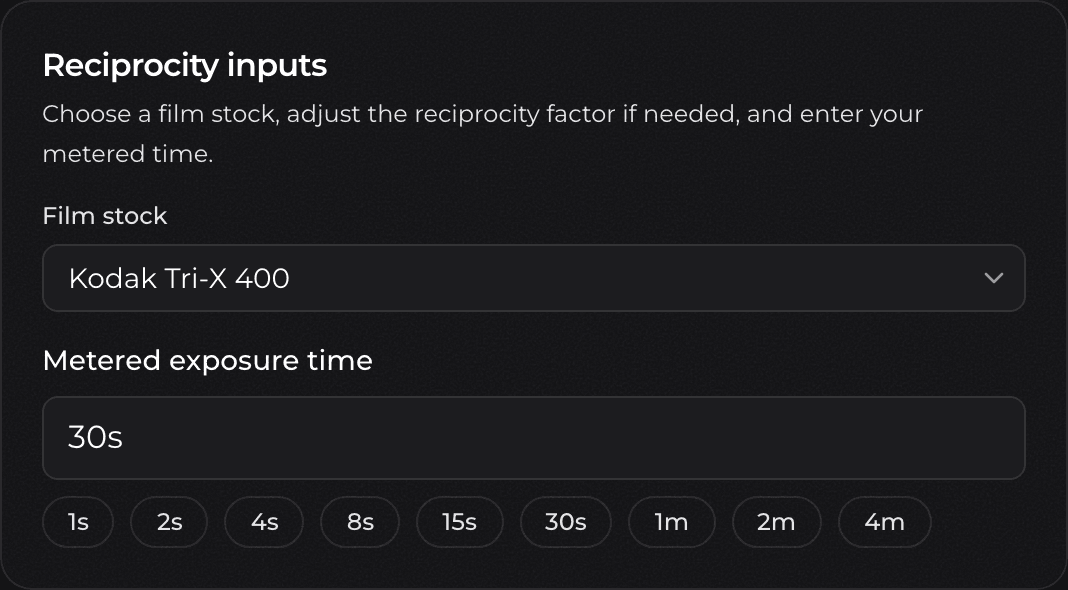
- Choose your film stock from the dropdown, then type your metered exposure time. Formats like
30s,1m30s, and2hall work, and the calculator shows how it parsed your entry.
- Read the adjusted exposure (the time to actually set on your shutter) along with the added exposure and the percentage of extra time needed.
- Set the corrected time on your camera (in bulb mode or with a cable release for long exposures) and make the frame.
You can also tap one of the exposure presets (1s, 2s, 4s, up to 4m) to fill in a common metered time quickly.
Important Notes
The corrections come from each film's published reciprocity characteristics, but reciprocity failure varies with developer, agitation, and even individual batches. Treat the corrected time as a starting point, and bracket important long exposures if you can.
Reciprocity correction grows fast: because the metered time is raised to a power, a moderate metered time can require much more actual exposure. A 30-second metered exposure on Tri-X, for instance, balloons to several minutes. Check the result before committing to a frame.
The effect is only worth correcting for longer exposures, roughly one second and up. For typical handheld speeds the correction is negligible, which is why this calculator is aimed at night landscapes, astrophotography, interiors, and similar long-exposure work.
Advanced Usage
Custom Reciprocity Factor
If your film isn't in the list, or you have measured your own reciprocity behavior, select Custom from the film stock dropdown. This reveals a Reciprocity factor field where you can enter your own exponent.
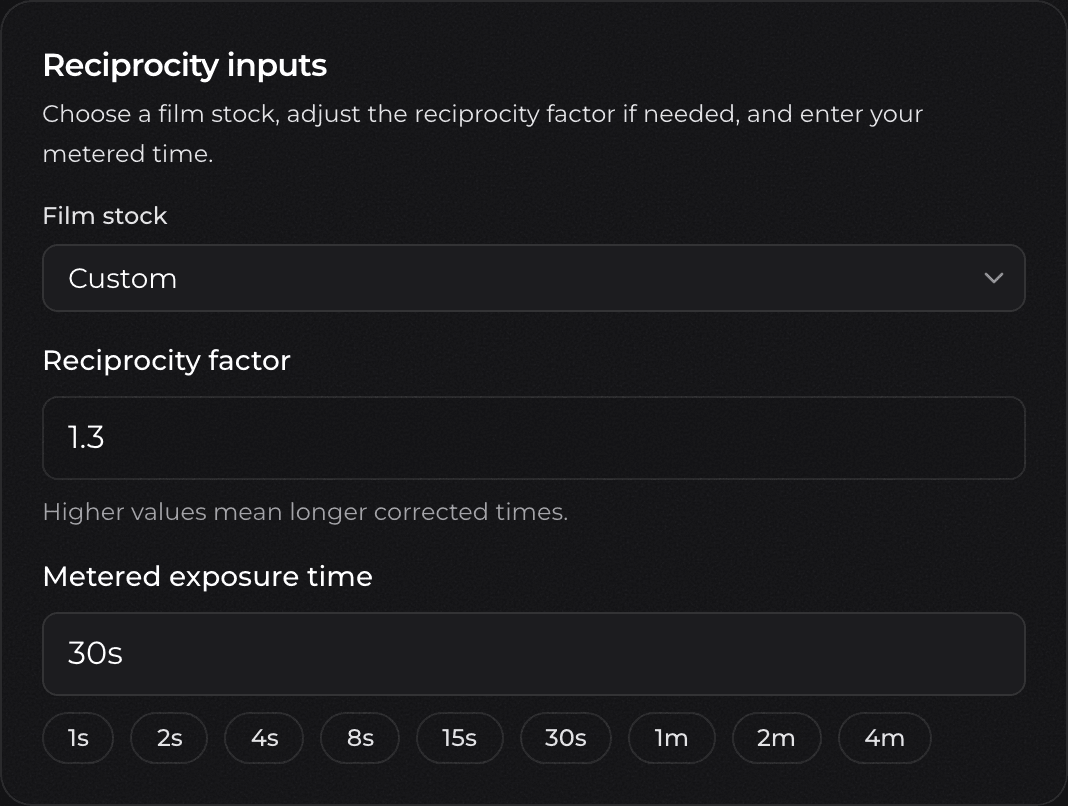
Higher values mean longer corrected times. A value of 1.0 applies no correction at all; most black-and-white films fall somewhere between roughly 1.1 and 1.6. Enter the factor from your film's datasheet or your own testing, and the corrected time updates immediately.
Reciprocity Curve
Click View chart in the results card to reveal an interactive reciprocity curve for the selected film.
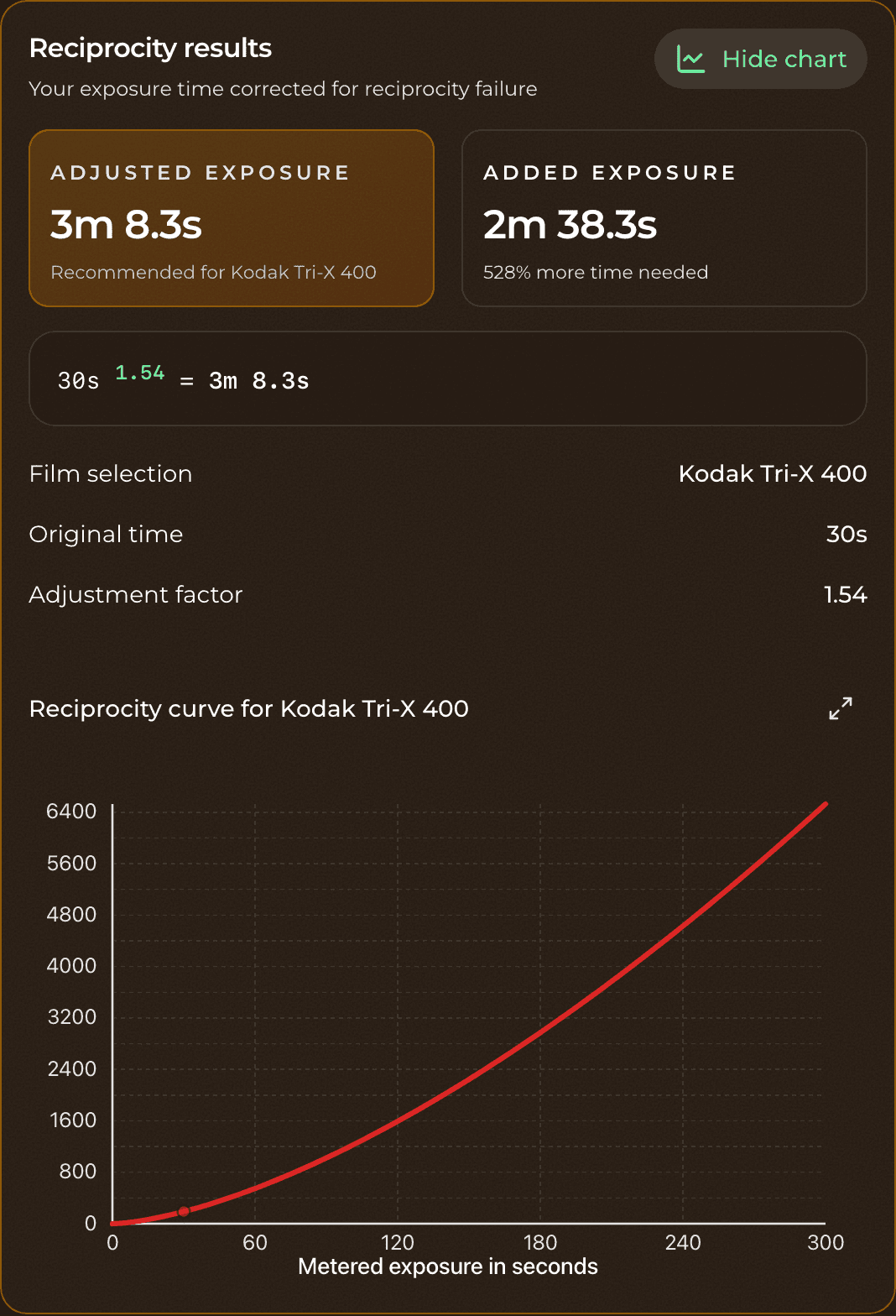
The curve plots metered time against corrected time, so you can see at a glance how the correction accelerates as exposures get longer. Hover over the curve to read the corrected time for any metered time, and use the expand control to view it full width when you want to study the relationship closely.